This article is an AI summarization of my YouTube video. Watch it here: YouTube video.
I did a LinkedIn post a few days ago about running AI models locally. A bunch of people asked, “How does that actually work?” so I recorded a walkthrough. This post is the written version of that video: why local models matter, what the trade-offs are, and how tools like Ollama and Open Code fit into the picture.
The Big Question: Local Models or APIs?
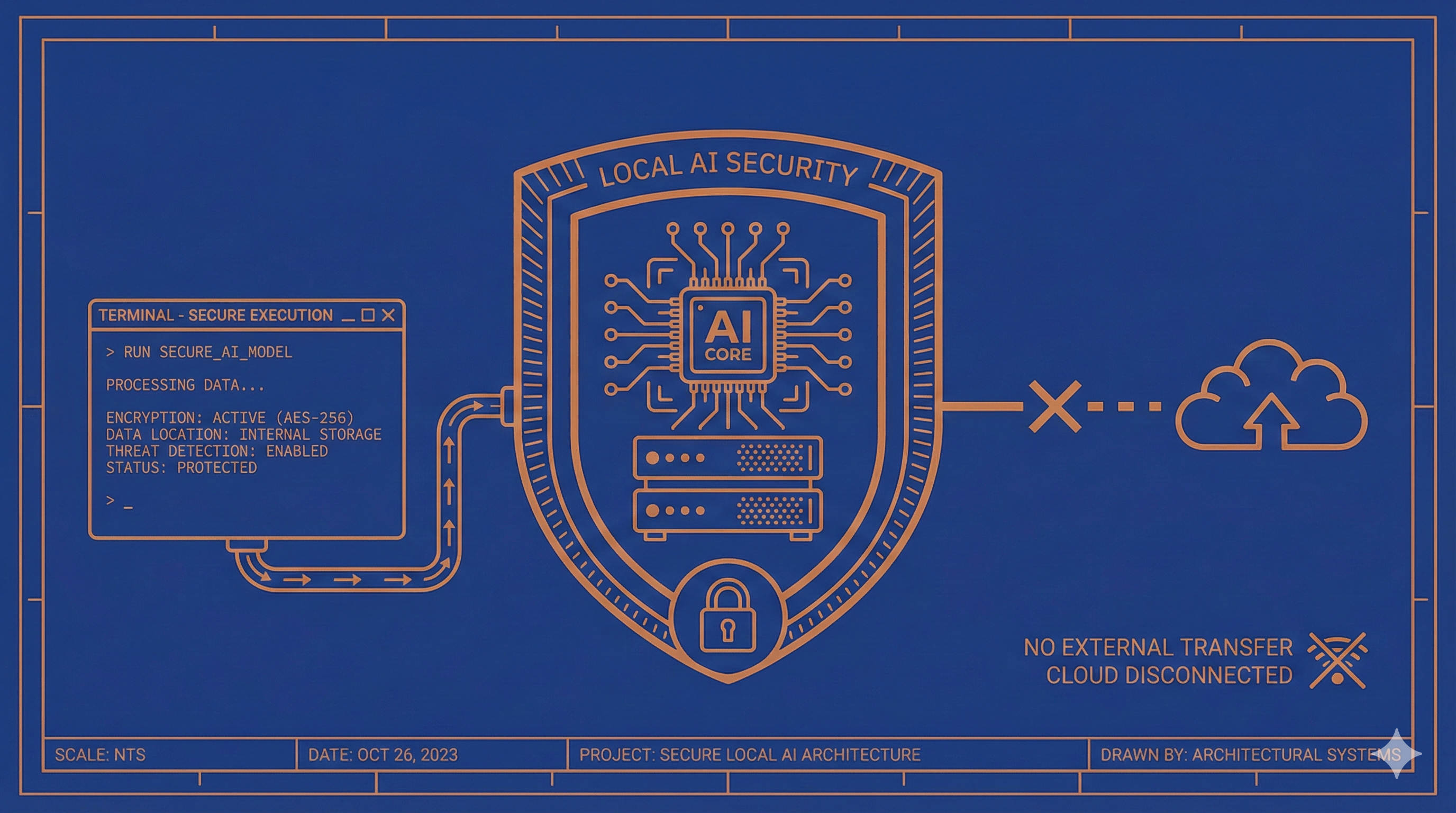
If you’re in a high-risk industry or handling sensitive financial data, the idea of sending prompts over the internet can feel uncomfortable. Even if you pay for an enterprise plan that doesn’t train on your data, the request still travels across the web. That’s a real risk surface.
Running locally flips that equation. You can download a model to your own machine or server, restrict it to your internal network, and keep the entire workflow inside your walls. It’s not bulletproof, but it’s meaningfully more secure than a typical API call.
The Trade-Offs Are Real
Local models give you control, but they also demand hardware and patience.
- Compute cost: Large models need serious RAM and GPU power.
- Speed: Local inference can be slower than cloud models.
- Capability: Without tools, local models can’t browse the web or call APIs out of the box.
If speed and convenience are the priority, API-based tools still win. If security and control are the priority, on‑prem wins.
Open-Weight vs Closed Models
Closed models like GPT and Opus are proprietary. Open-weight models are downloadable files you can run on your own hardware. That difference matters for security, auditability, and long‑term control. If you want to decide when to update a model (or if you want to keep the same model for a year), local is the only real option.
How Ollama Works (The Practical On‑Ramp)
Ollama makes local models easy. You install the CLI, pick a model, and run it right on your machine.
ollama run qwen3:8b
ollama show qwen3:8b
ollama ps
It’s a clean way to experiment without building infrastructure. You can see model parameters, check what’s running, and keep everything local.
Choosing a Model: RAM, Context, and Input
When you browse models, the size number usually refers to RAM required, not the download size. That’s a key misconception. If a model needs 40–60 GB of RAM, your laptop probably can’t handle it.
Three things matter most:
- RAM requirements — This is the hard limit for local use.
- Context window — The “memory” of the model during a conversation.
- Input types — Text only vs text + images.
Context is easy to ignore until it bites you. A model with a 4K context window can forget instructions halfway through a task. A model with a much larger window can carry more state, which becomes critical for agentic workflows.
Reality Check: Local Capability vs API Tools
Local models are improving fast, but they’re still missing some of what we now take for granted:
- No built‑in web search
- No tool calling unless you wire it up
- Less up‑to‑date knowledge
That’s why you’ll often see a local model answer “Who is the U.S. president?” incorrectly. Without tools or web access, it’s stuck at its training cutoff.
Claude Code, Open Code, and Why Model Choice Matters
Claude Code (Anthropic’s CLI) is powerful, but you’re locked into Anthropic’s models. Open Code is a different approach: it’s a CLI agent that lets you pick any model and connect multiple providers.
That means you can:
- Use Anthropic, OpenAI, or open‑weight models
- Switch models on the fly
- Keep the same agentic harness regardless of provider
If you like the Claude Code workflow but want flexibility, Open Code is worth a look.
Open Code + Local Models = A Hybrid Path
The interesting part is when you connect Open Code to a model running locally (via Ollama). You still get the agentic loop — planning, multi‑step reasoning, structured execution — but you keep the model inside your own environment.
That’s the hybrid model:
- Agentic harness of Open Code
- Local model via Ollama
- Security benefits of on‑prem
It’s not perfect. Small context windows still limit tool usage, and slower inference changes the feel. But the control is real.
A Quick Demo: The Context Window Problem
In the video I ran a side‑by‑side demo to show how a 4K context window can break a workflow. The model remembered its “name” at first, but after a few turns it forgot — not because it was dumb, but because the context window filled up.
If you’re using an agentic tool, your context fills fast. File listings, system prompts, tool specs — it adds up. That’s why context size is the quiet limiter in local workflows.
The Decision Framework I Use
Here’s the simple trade‑off:
- Choose API if you want speed, tool access, and best‑in‑class capability.
- Choose local if security, control, and long‑term stability matter more.
- Choose hybrid if you want an agentic workflow but still want local control.
There isn’t one right answer. It depends on your risk profile and how sensitive your data is.
Final Thoughts
Local models aren’t just a novelty — they’re a legitimate option for high‑risk industries, especially accounting and finance. But they come with real trade‑offs: hardware, speed, and capability.
Tools like Ollama make local experimentation easy. Open Code makes the workflow powerful. The combination is a compelling path for teams that care about both security and usability.
If you want more content like this, let me know. I’m happy to keep going deeper.
-Bennett