I've been deep in Claude Code over the last couple of months, and I want to share what I've learned -- specifically for accountants and finance professionals who may not come from a technical background. This post covers what Claude Code is, how to get started, and a framework for thinking about AI agents in accounting.
What is Claude Code?
Claude Code is a command-line interface (CLI) tool from Anthropic that lets you work with an AI agent directly in your terminal. It's been around since roughly mid-2025, and if you've listened to my podcast with my brother (the Breakeven Brothers), you'll know he was big on it from day one -- he's a software engineer at OpenAI and saw the potential of CLI-based AI tooling early.
I'll be honest, I wasn't a fan initially. I felt like I needed to see the files I was working on, especially for hobby software projects. Two things changed my mind:
- The Opus 4.5 model is really good. When you have a model that excels at coding and understanding user intent, doors open.
- The philosophy around skills and sub-agents. Claude Code strikes a balance -- it's deterministic and prescriptive, but you don't need to know as much code as my previous tool-calling agent videos required. It's more text-file based, which makes it approachable.
Installing Claude Code
If you're in accounting or finance, you're probably on a Windows machine. My strong recommendation: install via Windows Subsystem for Linux (WSL). Claude Code was built for that environment. PowerShell and Command Prompt work differently, and from what I've seen, the experience is more inconsistent there. WSL might look unfamiliar at first, but once you're up and running, it's not bad at all.
Once installed, open your terminal, type claude, trust the files, and you're in -- a chat-based AI agent right there. It uses forward-slash commands: /model lets you switch between Opus, Sonnet, or Haiku, and /context shows everything loaded and how much of the window you're using. When you're done, /exit and you're out.
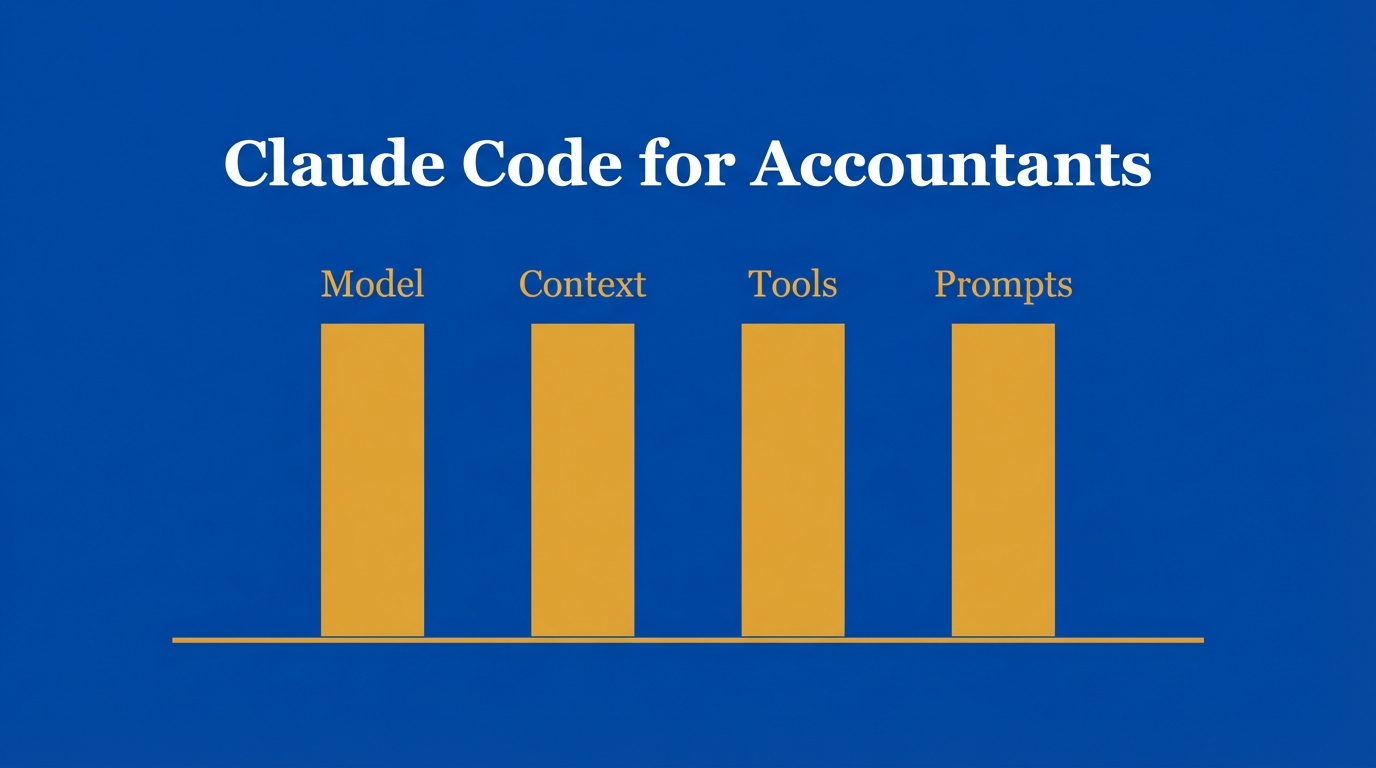
The Core Four Framework
When thinking about building things with AI, I lean on a framework I'm calling the "Core Four" -- inspired by a YouTube channel called IndyDevDan (highly recommend).
1. Model
Your AI engine. In Claude Code, I use Opus 4.5. ChatGPT users are probably on GPT 5.2, Gemini users on Gemini III. Switching models is trivial in Claude Code. And there are other CLI tools too -- Codex from OpenAI, Open Code (open source, multi-model) -- but Claude Code is the flagship right now.
2. Context
The foundational knowledge your AI draws upon. Think of it like your professional context -- education, work experience, things learned on the job. In Claude Code, you provide this through a CLAUDE.md file.
I modeled mine after a job description. When you hire for an accounting role, you define the company, the role level, the areas to cover, and the required skills. That's exactly what I did:
- Named the agent Emi (after my dog who passed away)
- Defined it as a senior accountant at Acme Corporation
- Listed month-end close processes (prepaid amortization, hedging fair value, cash reconciliation)
- Set communication preferences ("be brief and succinct, no fluffy AI stuff")
You can make this however you want -- when I first started, I had it speak to me like a pirate, just because I could.
3. Tools
The action verbs -- how your AI does what you need. Claude Code comes with built-in tools like reading PDFs and editing files. Then there are MCP tools that connect to external systems. More on this below.
4. Prompts
When you're delegating real tasks to an AI agent, prompting becomes essential. I spend more time on prompting than any of the other three. You need to be intentional about what you want and how you want to achieve it. Writing out what you do and how you do it is harder than you'd think -- your brain takes a lot for granted after years of schooling and experience.
Progressive Disclosure
One concept worth calling out: progressive disclosure. This is about loading context only when needed. If you dumped every file in your directory into the context window on startup, you'd burn through it fast -- and most of that information isn't relevant to what you're asking right now.
With Claude Code, sub-agents can have their own CLAUDE.md files loaded only when invoked. Skills load only when matched. This keeps things efficient. Just don't over-nest -- I've found consistency drops off when you go three levels deep with sub-agents.
Skills: How They Work
Skills are text files that tell the agent what to do and when. Each skill lives in a subfolder under your commands directory. The structure:
skill.md-- Main instructions with a frontmatter header (name, description) so the agent knows what the skill does and when to invoke itreference.md-- Supporting docs (schemas, example queries)- Scripts -- Any code the skill needs to run
When you ask Claude Code to do something, it searches the directory, finds a matching skill, reads the files, and follows the instructions. It must be named skill.md (not skills.md), and it needs that frontmatter section. There's some structure to follow, but overall it's far less coding than the tool-calling agent approach.
I built an image generation skill using Google's Nano Banana API -- say "make me an image of an Australian cattle dog running in the outback" and it handles the rest. Took about five minutes to build. I've been chaining it with an RSS feed skill to pull mortgage news and generate themed images. Fun and useful.
Why Accountants Need to Understand Databases
People ask me all the time what to learn to stay relevant with AI. My answer: know where the data lives and how to get it.
The classic workflow is: log into the ERP (SAP, NetSuite, QuickBooks), click around, run a report, export to Excel, manipulate. We've all been there. But if your company has a data engineering team, there's likely an ETL pipeline pushing GL data into a data warehouse -- and your AI agent can query that warehouse directly via API.
Learn SQL. Not expert-level. Know SELECT statements, JOINs, filtering, maybe subqueries. That's enough. The point is understanding that your agent can authenticate against a data warehouse, send a SQL query, and get data back. No more manual exports.
The GL Schema
Accounting data in a warehouse typically lives in two tables:
- Journal Entries -- Header info: JE number, posting date, who posted it, description
- Journal Entry Lines -- Line detail: GL account, debit/credit, cost center, memo
Joined by a common journal entry ID. A trial balance is just a SUM of debits and credits grouped by GL account up to a date. Understanding this structure is foundational to everything we build in the next post.
-Bennett